
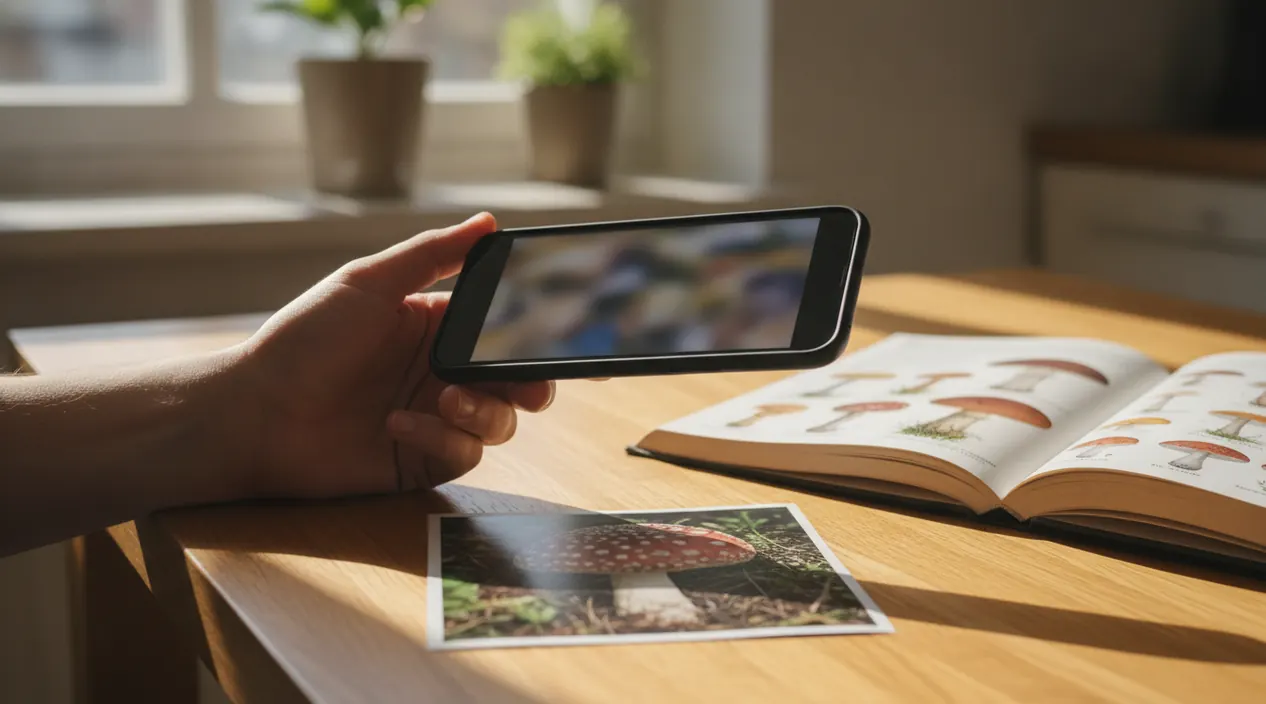
What ChatGPT can identify in an uploaded photo
Upload a photo and ChatGPT describes what it sees. According to OpenAI's help center, that covers objects, scenes, apparent actions, printed text and some handwriting. You can also ask questions about the picture, request alt text, or ask for a prompt you could paste into an image generator, and our tool for turning photos into prompts does that directly.
Here is what that looks like in practice.
- A shot of your kitchen counter. It can list the appliances, the fruit bowl and the mug, and say the scene is a kitchen.
- A photo of a street sign or a menu. It can read the printed text and translate it, and our guide to translating text in a photo shows how.
- A hiking photo with a flower in it. It can suggest what the plant might be and what to compare.
- Two product photos. It can set them side by side and point out visible differences.
Notice the word apparent. ChatGPT reports what the pixels suggest. It does not know what happened a second before the shutter clicked, and it cannot see outside the frame. Treat every answer as a quick first read, not a ruling.
What ChatGPT cannot do reliably with a photo
Four jobs trip it up, and they are the ones people most want solved.
- Who a person is. A visual resemblance is not proof of identity. If you need to know who someone is, use lawful records or a source you trust.
- Hidden facts. Who owns the car, what was said, what happened off camera. None of that sits in the pixels.
- Whether a photo is authentic. ChatGPT cannot authenticate an image or promise that it is real.
- Spotting AI-made images. It can point at odd details. It cannot give you a certain yes or no.
The same goes for diagnosis. A visible rash, a cracked part or a lookalike product does not add up to a medical, legal or technical diagnosis. Naming what is visible is one job. Deciding what it means is another, and that one belongs to a qualified person.
ChatGPT image input limits and prices
Image input works on the Free plan and on paid plans, with plan-specific limits. The one hard number OpenAI states for photos is file size. Each image can be 20 MB at most, so check very large originals before you upload.
| Item | What OpenAI lists |
|---|---|
| Maximum size per image | 20 MB, from the ChatGPT image inputs FAQ |
| Free plan | $0 a month, vision with limited access |
| Plus plan | $20 a month |
| Pro plan | $100 a month |
| API image input | $8 per million image tokens, $2 per million for cached image input |
| API image output | $30 per million, standard pricing |
The plan prices are U.S. figures from OpenAI's pricing page in November 2026, and regional prices may differ. Paid plans list vision access with limits that depend on plan and account settings. The API rows only matter if you build your own tool, because developers pay per image token.
Getting a careful photo answer in five moves
Most bad answers come from a vague question and a poor file. This order fixes both.
- Start with the original file, not a screenshot or a heavily compressed copy.
- Remove personal information from the frame before you upload.
- Crop to the part that matters, but keep enough surroundings for context.
- Upload the image and ask Describe only what is visibly certain. Separate observations from guesses.
- Ask follow-ups such as Read the text exactly, List two plausible alternatives, or What additional photo would distinguish them?
- Ask for an uncertainty label on each conclusion.
- Run Google Lens or a reverse-image search for objects, landmarks, products and earlier copies.
- Check EXIF metadata and C2PA Content Credentials when the photo's origin matters.
- Compare the result with an independent source or a qualified expert.
Step four does most of the work. It forces ChatGPT to split what it sees from what it assumes, so you can spot the assumptions. For more wording you can copy, our page on asking AI questions about a picture has examples. For a quick second opinion that includes a confidence level, run the photo through the free scan on this site. Its answers are suggestions too.
What makes a photo easy or hard for ChatGPT to read
Image models work with what you give them. A clean photo gets a better answer than a murky one, and you control most of this before you upload.
- Subject visibility. Clear, fairly large objects are easier to identify than tiny, cropped, blocked or blurred ones.
- Lighting and contrast. Shadows, glare, backlighting, reflections and low contrast all lower reliability.
- Resolution and focus. Compression, motion blur and soft focus can change what an object or a word appears to be.
- Viewpoint. Odd angles, partial views, mirrors and fisheye distortion cause confusion.
- Context. Nearby objects, signs, clothing, buildings, terrain and anything that shows scale help separate similar items.
- Text quality. Readable characters, correct orientation, enough resolution and little glare matter most when you want text read or translated.
Context is the one people trade away without noticing. A tight crop of a leaf looks cleaner, but you may have cropped out the tree it hangs from. When text is the main job, see our guide to pulling text out of a photo. The primer on how image recognition works explains why those factors matter.
Look-alikes that fool image AI and what to check instead
Some pairs fool people and models alike. In each case, the photo alone may not settle it.
| Easy to confuse | What to check |
|---|---|
| Dog and wolf or coyote | Body proportions, muzzle, ears, tail, environment and scale |
| Fox and small dog | Snout, ear shape, tail, leg proportions, coat pattern and habitat |
| Mushroom species | Underside, stem, habitat and expert confirmation |
| Plant species | Leaves, flowers, stem arrangement, season and location |
| Landmark or location | Visible signs, architecture, terrain, map imagery and reverse-image results |
| Screenshot and original photograph | Cropping, interface elements, compression, metadata and provenance records |
| Real text and generated text | Zoom in, compare repeated characters, check spelling and spacing, verify elsewhere |
Mushrooms deserve a hard line. Never rely on an image for edibility. The same caution applies to poisonous plants, animals and anything else where a wrong call can hurt someone. Use ChatGPT to build a list of features to check, then take that list to an expert.
ChatGPT, Google Lens, TinEye and detectors compared
This page is an independent guide and comparison, not connected to OpenAI or Google. Think of it as a citation page too, with each figure tied to its source in the sentence. The tools below do different jobs, so the useful question is which job you have.
| Tool | Good for | Watch out for |
|---|---|---|
| ChatGPT | Descriptions, questions about a photo, text reading help, translation, alt text drafts, comparisons, prompts | Confident guesses, plan limits, 20 MB per image |
| Google Lens | Visual search, object and landmark lookup, text extraction and translation, product and plant results | A match is a lead to check, not a verdict |
| TinEye | Reverse-image search for matching or altered copies | It finds copies. It does not describe a photo |
| C2PA Content Credentials Verify | Checking whether an image carries signed provenance information | No credentials does not prove manipulation |
| Hive, Sightengine, AI or Not, Winston AI, Copyleaks | Image analysis and AI-content detection | Scores are probabilities, not proof |
A simple split works. Ask ChatGPT what is in the picture, or try searching your own library by what is in the photo. Use a reverse-image search to find where else it appeared. Use provenance checks to learn where it came from. The middle step gets more room in the comparison of AI image search engines. When a mistake would be costly, bring in a qualified person such as a taxonomist, a wildlife expert, a translator or a forensic analyst.
Why a chatbot guess or a detector score is not proof of an AI image
People often paste a suspicious photo into ChatGPT and treat the reply as a verdict. It is not one. ChatGPT cannot determine with certainty whether an image is AI-generated, and visual artifacts alone are not conclusive, because real photos can look odd and fakes can look clean.
Provenance is a better clue, though still not a guarantee. EXIF data, C2PA Content Credentials and watermarks can point to an origin. Their absence proves nothing. Credentials go missing through screenshots, re-encoding, older files and software that does not support them. So a photo with no credentials is simply unlabeled.
Paid detectors have the same limit. A November 2026 comparison on theairankings.com lists Winston AI from $18 a month, and it describes detector output as probabilities or classifications. A score of 90 percent is a lean, not a conviction. Weigh these signals as a set rather than one at a time, and the step-by-step AI image check shows how.
What to blur or crop before you upload a photo
A photo carries more than the subject. It can hold faces, children, addresses, documents, license plates, location data, medical details and confidential business information. Before you upload, ask what in the frame you do not need.
- Blur ID documents, payment cards, passwords, faces, addresses and license plates unless the question depends on them.
- Do not upload another person's private image without a lawful basis or their consent.
- For children and sensitive images, use the smallest crop that answers your question.
- Check your account's retention and control settings first. OpenAI's pricing page lists an opt-out for training use on the relevant plans.
Copyright is a separate question. Looking at a picture cannot tell you whether you may reuse it, so check the license and the source on your own.
Habits that make a photo answer sound surer than it is
- Asking for certainty from an ambiguous image.
- Reading "it looks like X" as "it is X."
- Uploading a low-resolution screenshot when the original exists.
- Cropping away scale, labels, landmarks or other clues.
- Assuming text reading is exact without checking every character.
- Treating a detector score as proof, or assuming metadata tells the whole history of a file.
- Publishing an AI description as if a person had verified it.
Fix those and ChatGPT becomes a handy first pair of eyes. It is one piece of the wider picture of AI photo search, where describing, reading and checking each get their own tool.
Questions about can chatgpt identify images
Can ChatGPT identify a picture?
Yes. It describes visible objects, scenes, actions, printed text and some handwriting in photos you upload. It can guess at species or places, but those guesses need checking.
Which AI is best for image identification?
Neither chatbot is the clear winner. ChatGPT is good for descriptions and questions, Google Lens for object and landmark lookup, and TinEye for finding matching or altered copies of a photo.
How to make ChatGPT analyze an image?
Upload the photo, keeping each file under 20 MB, then ask a specific question, such as asking it to describe only what is visibly certain and to separate observations from guesses.
What is the maximum image size ChatGPT accepts?
Each image can be 20 MB at most, according to OpenAI's ChatGPT image inputs FAQ. Check very large original files before you upload them.
Can ChatGPT tell if a photo is edited?
Not reliably. Visual artifacts alone are not conclusive, so check the source history, metadata and any C2PA Content Credentials, and compare with the original when you can.
Can ChatGPT identify people in photos?
Not reliably. Looking similar to someone proves nothing, so confirm a name through official records or a reliable source, not a model's guess.
Is ChatGPT image input free?
Yes, with limits. OpenAI lists vision on the Free plan with limited access, and paid plans list vision with limits that depend on plan and account settings.
Can ChatGPT identify plants, animals or landmarks?
It can suggest what a plant, animal or landmark might be, but treat that as a lead. Look-alikes like mushrooms need expert confirmation, and a reverse-image search helps check landmarks.