
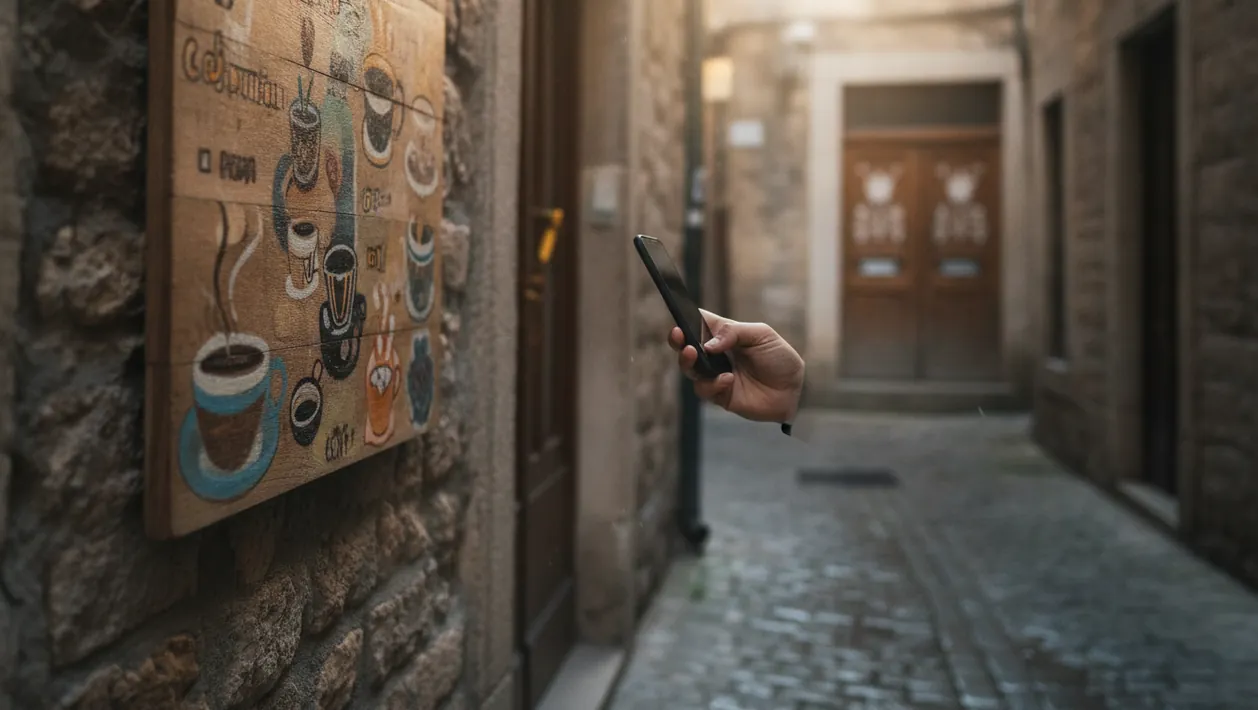
How to translate a picture with Google Translate or Google Lens
Both tools are free, and both read text straight off a photo. Google Translate is the one to open when translation is the whole job. Google Lens is handy when the photo already sits in your gallery or on your screen. This is the route that works in most cases.
- Photograph the whole sign, page, label or screen first, so you keep the context.
- Take a second close-up with the text parallel to the camera.
- Open Google Translate and tap Camera, or open the saved image in Google Lens.
- Pick the source language yourself if automatic detection looks unsure.
- Pick the target language.
- Scan the live text, or upload the saved image.
- Copy the extracted text separately from the translation, so you can compare the two.
- Check names, numbers, dates, addresses and prices against the original.
If one section looks off, re-photograph it and translate that piece alone. A tighter crop of one stubborn line is the cheapest fix there is.
Live camera mode or a saved photo: which to use
A camera translator works like a pair of glasses. You point, and the translated words appear over the original. That is ideal for a menu on a table or a street sign you are walking past. It is less good when the text is small, curved or in bad light, because the phone has only a moment to read it.
A saved photo gives you a second chance. You can zoom, crop, straighten the shot and run it again. It also lets you copy the raw text before it gets translated, which matters when you want to paste a name or an address into a map.
Offline use needs a little planning. A 2026 comparison says Google Translate can do offline camera translation once you download the language. Another 2026 comparison warns that live overlays and enhanced processing may still need an internet connection. So download your languages before a trip, then test the camera in airplane mode while you are still at home.
On an iPhone, Apple has its own built-in route through Live Text and Translate. A 2026 comparison says on-device translation there can be set to "Always." If you use that phone, our page on what iPhone Visual Intelligence can do explains the camera features Apple built in.
Photographing text so it translates cleanly
Most bad translations start as bad photos. The recognition step, called OCR, has to pull characters out of pixels before any translating begins. Give it an easy job.
- Hold the phone square to the sign. Tilted text bends the letters and the reading order.
- Kill glare. Step sideways to avoid reflections on glass, laminated menus and glossy packaging.
- Avoid your own shadow falling across the page.
- Fill the frame with the text you need, but keep a wide shot too. Currency symbols, flags and nearby icons tell the translator what kind of text it is.
- Crop out the parts you do not need. A straightened, cropped region reads better than a busy full scene.
- Save as JPG, PNG, BMP or WEBP. Several tools report support for those four formats, though support varies by provider.
Layout matters too. Columns, tables and captions can come out in the wrong order, so a two-column page may read left to right across both columns and turn into nonsense. Translate one column at a time if the result reads strangely.
Which translate image tool fits what you are doing
Free tools cover most everyday needs. The differences show up in limits, offline support and what happens to your data. These details come from 2026 comparisons, and providers change plans often, so check the current numbers before you rely on them.
| Tool | What it offers | Worth knowing |
|---|---|---|
| Google Translate | Live camera translation, photo upload, offline language packs | Free. Camera translation listed for 94 languages |
| Google Lens | Copies and translates text from a camera view, photo or screenshot | Described as supporting more than 100 languages. Also does visual search |
| Apple Live Text and Translate | Built into supported iPhone and Mac workflows | On-device translation can be set to "Always" |
| DeepL | Image text translation in its apps | The cited free plan allows 1,500 characters per day |
| Microsoft Translator | Camera translation | Listed with about 70 languages |
| Papago | Free translation app with image translation | Listed in the 2026 comparison |
So which one first? Start with Google Translate if you want the widest language list. Try DeepL when you care about natural phrasing and your text is short, since 1,500 characters a day goes fast with a full menu. Papago and Microsoft Translator are worth a try when your first tool stumbles on a particular language.
Why a sharp photo can still give a wrong translation
Two separate steps happen when you translate image text. OCR extracts the characters. Then translation converts their meaning into another language. A clean transcription can still be translated badly, and a perfect translation of misread characters is worthless. When something looks wrong, work out which step failed.
To get only the original words copied out, copying text from a photo handles that first step alone. For a plain look at how software recognizes shapes and letters at all, see how AI image recognition works.
Scripts and languages that trip up OCR
- Latin, Cyrillic and Greek letters can look alike. The detected alphabet and the words around it help the tool decide.
- Chinese, Japanese and Korean share or resemble many characters, so a tool can guess the wrong language. Script-specific characters nearby, such as Japanese kana, give it clues.
- Arabic and Hebrew run right to left. Connected handwriting and small diacritics can cause segmentation errors.
- Handwriting is more likely to be misread than print. Google Translate's general image feature does not come with a guaranteed handwriting accuracy rate.
- Logos, stylized type and curved text can turn into the wrong characters. A stylized shop sign is a coin toss, while a printed ingredient list is usually fine.
No one publishes a single accuracy figure for OCR on ordinary photos, because it swings with lighting, script, handwriting and layout. Treat any tool's results as a strong draft.
What to verify before you act on a translated label or sign
Machine translation can drop a negation, change a unit or flatten legal wording. Those are the errors that cost you something. Check these against the original before you act.
- Numbers, decimal separators, dates and currencies. A comma can be a decimal point in one country and a thousands separator in another.
- Units, addresses and proper names.
- Prices on menus and tickets.
- Dosage instructions and warnings on medicine and chemicals.
For medical, legal, immigration, financial or safety-critical text, ask a qualified human translator. If a certified translation is legally required, an app does not count as one. For a quick read of a hotel notice, though, the app is fine.
Privacy points to check when the photo shows a document
A photo of a passport, identity card, medical record, contract or financial statement is sensitive. Upload one only if the provider's data policy is acceptable to you.
Policies differ. Google Translate's app listing says no data is shared with third parties, yet it also says the app may collect location, personal information and five other data categories, and that data is encrypted in transit. One third-party image translation service cited in 2026 says uploaded images may be processed by third-party image-processing and AI providers.
Before you upload, look for answers to these questions.
- Are images stored, and for how long?
- Are they used to train models?
- Where are they processed?
- Can you delete them?
On-device processing reduces server exposure. The cited comparison points to Apple on-device translation and downloaded offline language packs as the relevant options. Also get permission before you photograph or upload another person's private information. Copyright, confidentiality and contract terms can apply to copied or translated text, and the rules depend on where you are and what kind of document it is.
What paid and developer image translators cost
If you translate images in bulk, free limits run out quickly. A few price points from 2026 sources give you a sense of scale.
- ImageTranslate.AI has a free plan of 2 images per day, according to price data updated October 4, 2026. Its Starter plan is $8.30 a month for 500 images, Professional is $16.60 for 1,200 images and Enterprise is $83.30 for 8,000 images.
- The vendor reports detecting 490 of 500 text regions, or 98%, in 50 e-commerce images. That is the vendor's own test, not a general benchmark.
- Google Cloud Vision OCR starts at $1.50 per 1,000 images, and translation charges are separate.
- Tesseract is an open-source OCR option for developers. One 2026 comparison put cloud OCR pricing between about $0.0015 per page and enterprise subscriptions.
Most people never need any of these. They matter if you run a shop with product photos in several languages or build software that reads text from images.
When you need a description of the photo, not a translation
Sometimes the question is not what the sign says but what the picture shows. Image analysis tools can name objects, write alt text or produce an image prompt, but those outputs do not verify factual details in the photograph. For that kind of answer, give the photo to the AI here and read the certainty figure beside it. Our AI image describer guide shows what to expect from those descriptions.
Beyond translating a picture, the AI photo search home page covers searching your own library and asking questions about a single image.
Reasons a camera translator looks worse than it is
- Photographing text that is too small, blurry, tilted, reflective or partly blocked.
- Translating the whole image when one cropped, straightened region would read better.
- Trusting automatic language detection on short words, names, logos or signs that mix languages.
- Treating OCR output as a verified transcription.
- Assuming a free plan has unlimited images or languages.
- Assuming offline mode means every feature works offline.
- Forgetting reading direction and multi-column layouts.
Fix those and your next attempt to translate picture text will read far better.
Questions about translate picture
How do I translate a picture to text in another language?
Open Google Translate, tap Camera, choose your languages and scan the text, or upload a saved photo. You can also open the image in Google Lens and tap Translate.
Is there a free app to translate text in photos?
Yes. Google Translate is free and lists camera translation for 94 languages as of November 2026. Google Lens and Papago are also free to use for image translation.
How many languages can Google Translate handle with the camera?
Google Translate's app listing shows camera translation for 94 languages as of November 2026. Lens is credited with reading and translating image text in over a hundred languages.
Can I translate a picture offline?
Often yes. A 2026 comparison says downloaded language packs can support offline camera translation in Google Translate, but live overlays and enhanced processing may still need an internet connection.
Why does my image translation come out wrong?
Usually the photo is blurry, tilted, glary or stylized, or the language was misdetected. Crop the text, set the source language by hand and try again.
Can AI translate handwritten text in a photo?
It can try, but handwriting is more likely to be misread than printed text. No guaranteed handwriting accuracy rate exists for Google Translate's image feature, so verify important words.
Can I trust a translator with a photo of my passport?
Only if you accept the provider's data policy. Check whether images are stored, used for model training and deletable. Offline or on-device translation reduces server exposure.
Can I rely on a translated photo of a medicine label?
No. Machine translation can drop negations, units or warnings. For medication, legal or safety text, check the original and ask a qualified human translator.
Sources
- Google Translate app listing
- Best image translators comparison, TranslateMyImage
- AI image translation tools, AI Chief
- Best AI image translators in 2026, ImageTranslate.AI
- Best AI image translators 2026, WaveSpeed
- Best OCR apps comparison, Comredix
- Image translator app 2026, Owll
- AI image analyzer overview, Filmora